 JoinPal
How to play backgammon online with a friend
Open JoinPal, choose Backgammon and a friend as your opponent, then send your friend the invitation link. The game starts as soon as they accept, and the server rolls fair dice for both of you. It is free, and there is nothing to install.
Play in TelegramStep by step
- Open JoinPal
Tap Play on this page or open @Joinpalbot in Telegram. JoinPal opens in a few seconds on your phone or computer.
- Choose Backgammon
Tap Backgammon on the home screen and choose a friend as your opponent. Pick your checker colour and 30 seconds or 1 minute per turn.
- Invite your friend
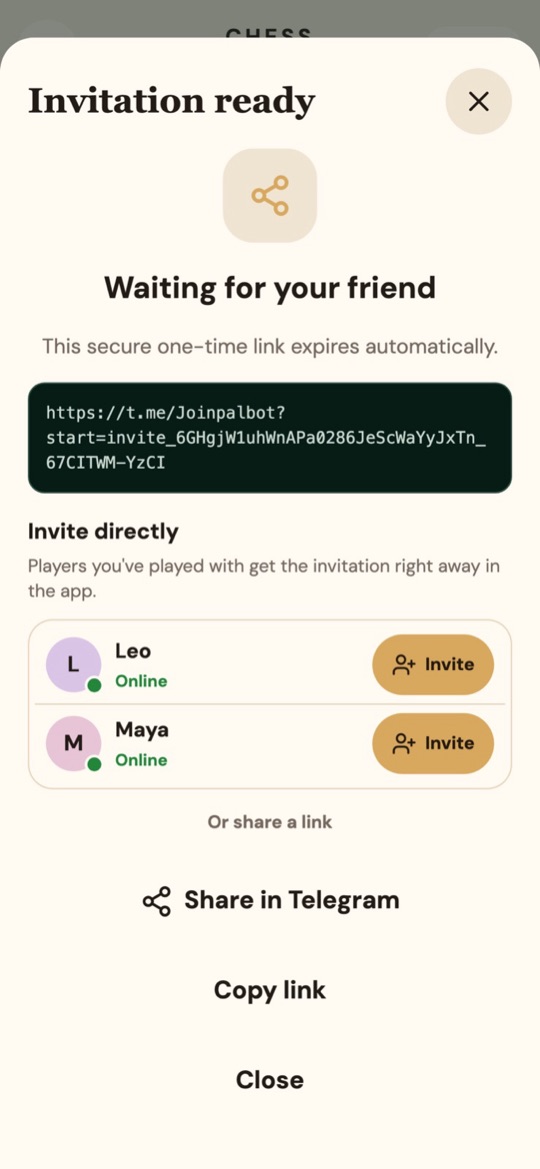
Tap Invite a friend and send the one-time link, or tap Invite next to someone you have played before: they get the invitation in the app straight away.
- Play
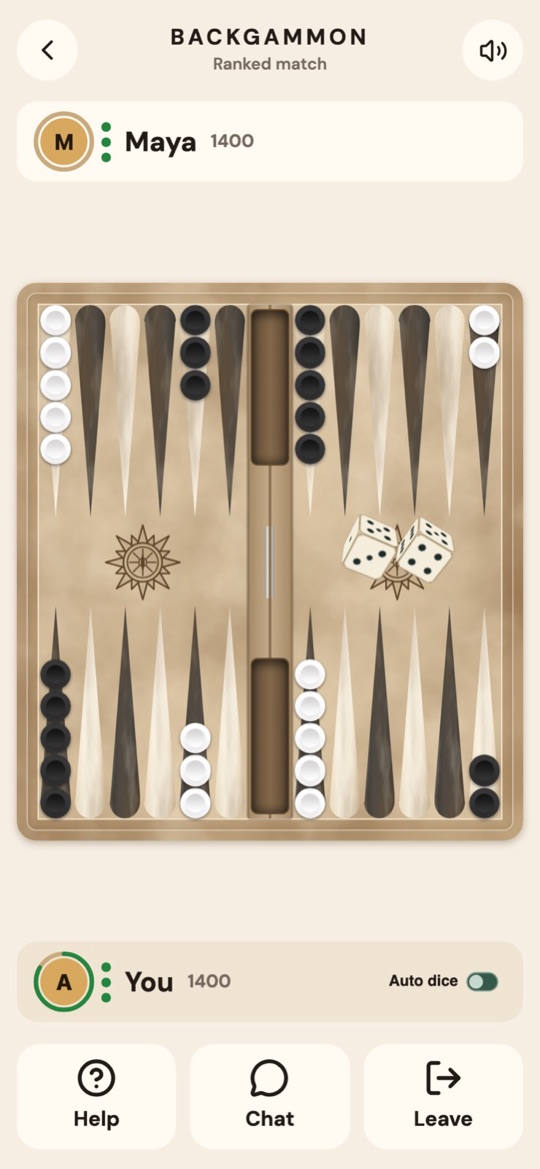
When your friend accepts, each of you rolls one die to decide who starts. Move by tapping or dragging your checkers, and chat during the game.
The rules in short
Each player has 15 checkers and moves them around the board by the numbers on two dice. A single checker can be hit and sent to the bar. The first player to bring all 15 checkers home and bear them off wins.