 JoinPal
How to race online with your friends
Open JoinPal, choose Racing and Friends, then create a race lobby and share the invitation. When your friends have joined, the host starts the race; empty seats can be filled with computer cars. It is free, and there is nothing to install.
Play in TelegramStep by step
- Open JoinPal
Tap Play on this page or open @Joinpalbot in Telegram. JoinPal opens in a few seconds on your phone or computer.
- Choose Racing
Tap Racing on the home screen and choose Friends. Pick a track, the number of laps and seats, and whether computer cars fill empty seats.
- Invite your friends
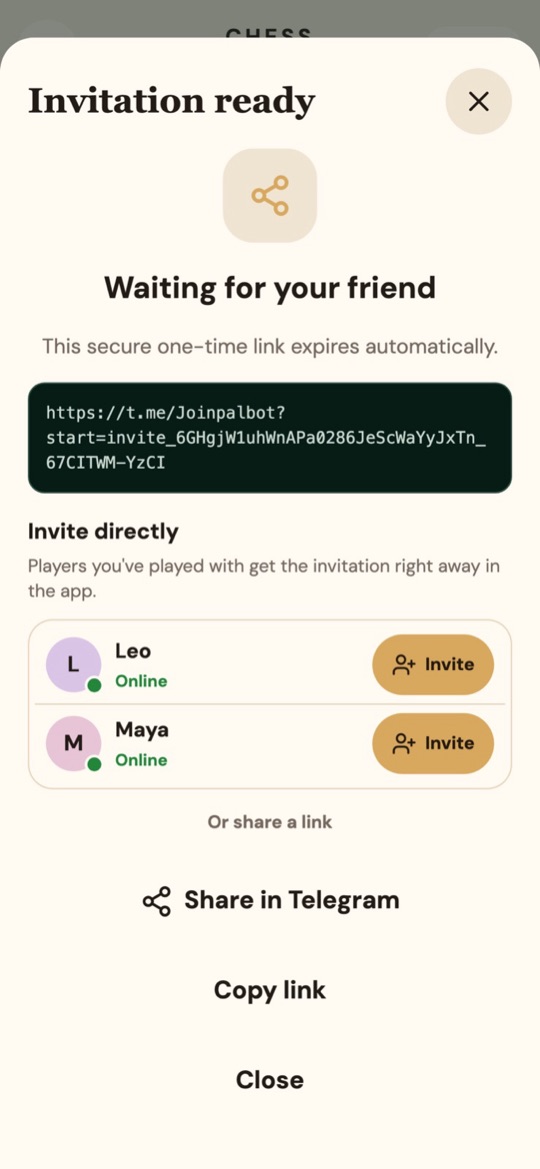
Tap Create race lobby and share the invitation link, or invite players you have played with before directly in the app.
- Race
When everyone is in, the host starts the race. After the countdown, drift through the corners, hit the boost pads and race for the finish.

The rules in short
The car speeds up by itself: you steer, brake and drift. Hold a turn to drift and let go for a boost. The first racer to complete all laps wins.