 JoinPal
How to play roulette online with friends
Open JoinPal, choose Roulette and create a room for two to five players, then invite your friends with a link or directly in the app. The host starts the game once at least two players are at the table. Roulette uses virtual chips only, never real money.
Play in TelegramStep by step
- Open JoinPal
Tap Play on this page or open @Joinpalbot in Telegram. JoinPal opens in a few seconds on your phone or computer.
- Choose Roulette
Tap Roulette on the home screen. Choose the number of players, the starting chips and how the game ends: after a set time, when one player is left, or at a target balance.
- Invite your friends
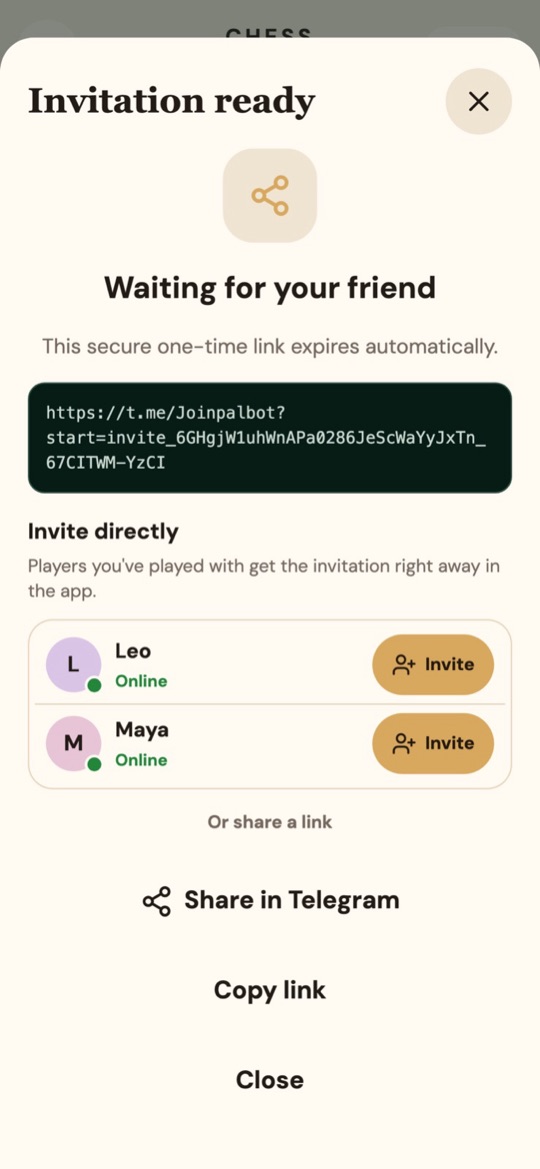
Create the room and share the invitation link, or invite players you have played with before directly in the app.
- Play
When at least two players have joined, the host starts the game. Everyone places bets with virtual chips, the wheel spins, and winnings are paid out automatically.
The rules in short
JoinPal uses a European wheel with numbers 0 to 36. Bet on a number, a group of numbers, a colour, odd or even, or high or low; a single number pays 35 to 1. When the ball lands on zero, all outside bets lose.